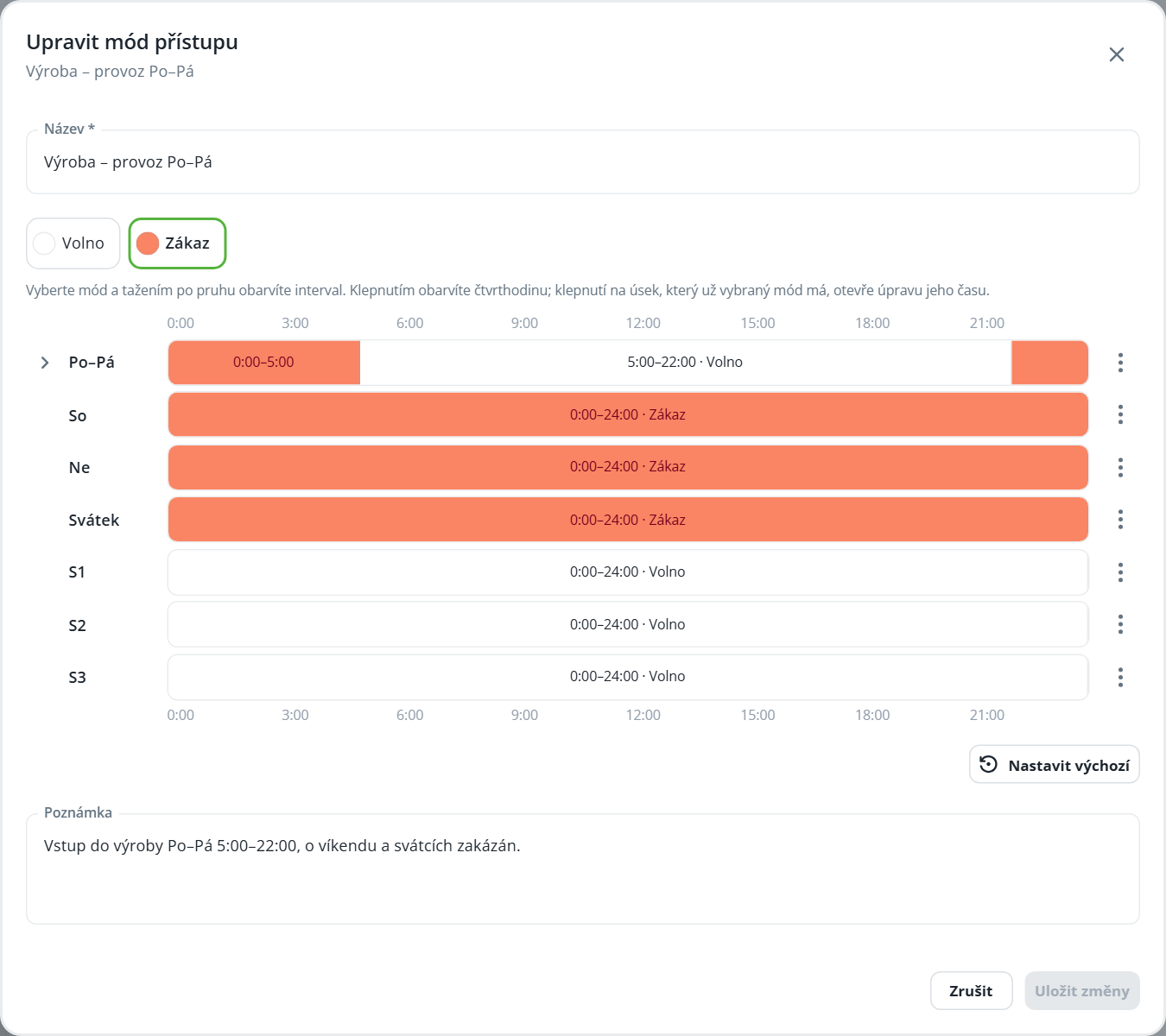
The access mode determines the times at which the credential holder is permitted to pass through. The mode is selected for a person’s or vehicle’s credential, a credential group, or an organizational structure node.
Creating a mode
The list, creation, and editing work the same as for opening modes. Set the schedule according to the Time Modes – Schedule Editor chapter.
Click New and enter the Name. The new mode is entirely in the Free state.
In the legend, select Prohibited and mark the times when passage is prohibited.
Click Create.
Mode | Meaning |
|---|---|
Allowed | Passage is allowed at this time. |
Prohibited | Passage is prohibited at this time. |