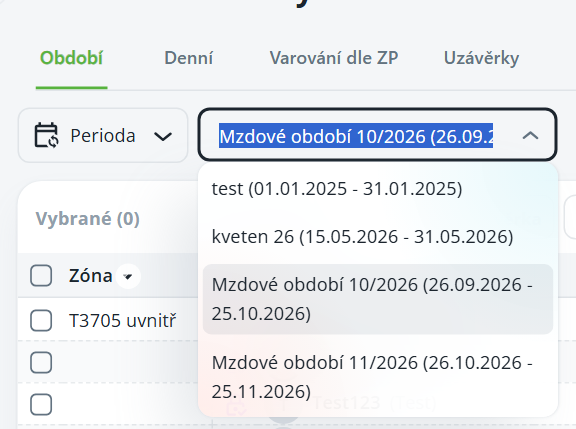
Periods are named time spans with a fixed start and end, for example, a payroll period from the 26th to the 25th of the month. You can then select a period in the period filter in the attendance and catering overviews instead of a calendar month.
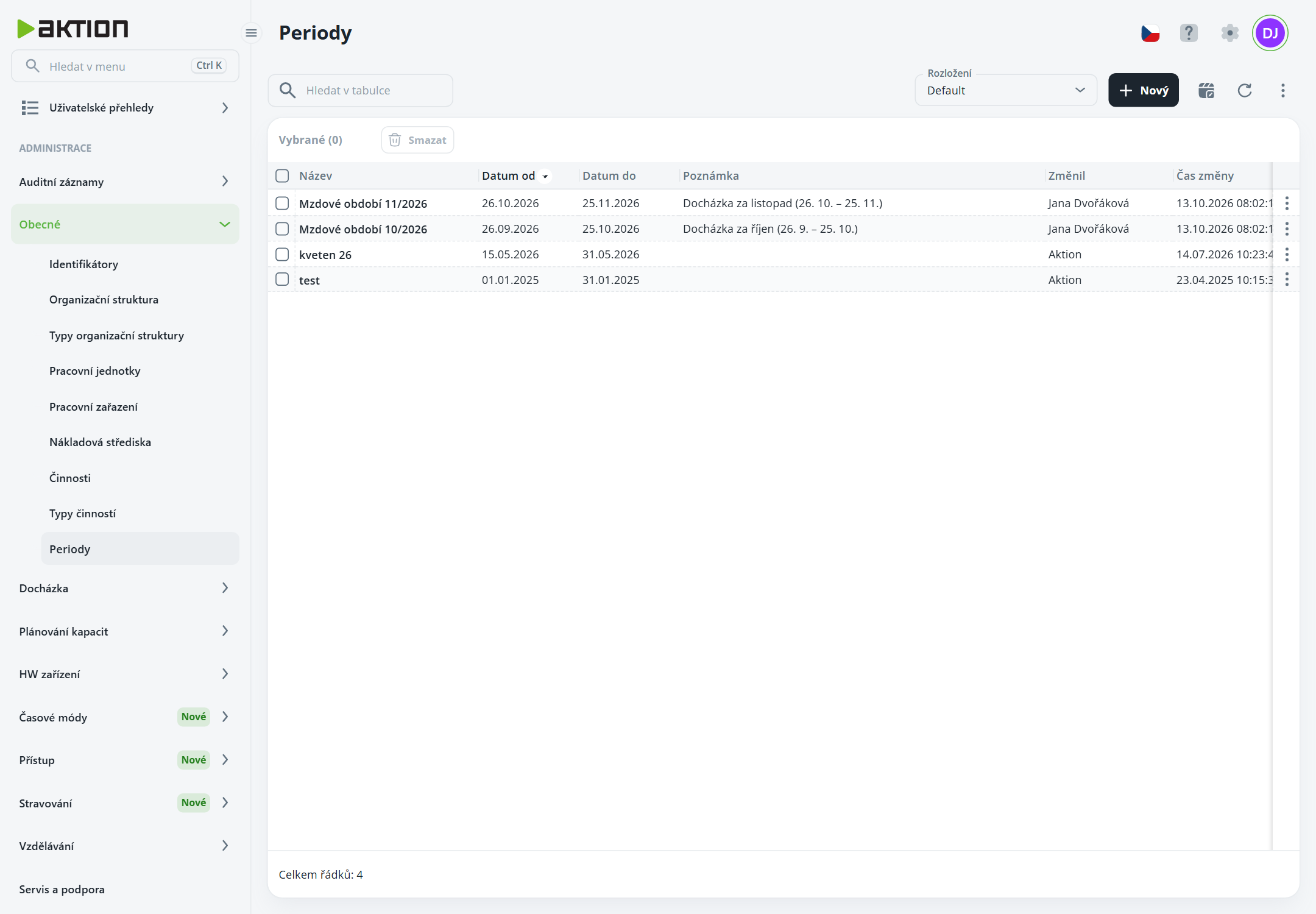
List of periods
The list shows the Name, Date from, Date to, Note, who changed the record and when. Edit a record by clicking its row, delete it using the ⋮ menu on the row, or by selecting rows and clicking the Delete button.
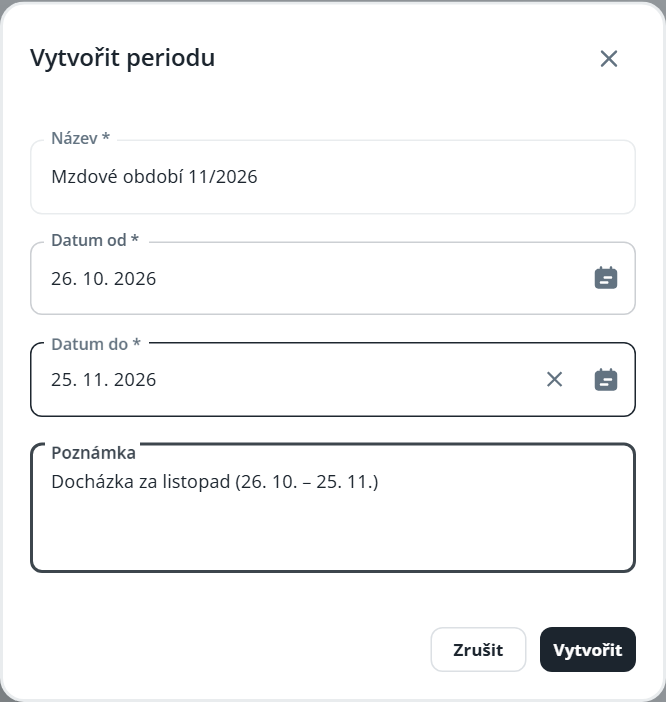
Click New.
Fill in Name, Start date, End date and, if applicable, Note.
Click Create.
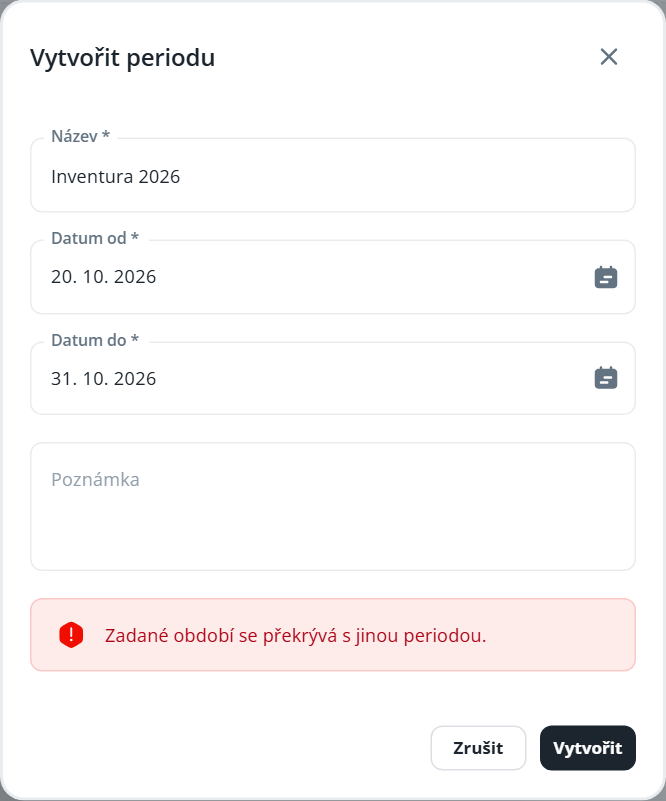
Periods must not overlap with another period – the application will not save such a record and will display the message The specified period overlaps with another period. End date must not be earlier than Start date.
In reports that support periods (for example, Attendance Overview – the Period, Daily, Labor Code Warnings, Closing, employee attendance, timesheet, and diner order overview), switch the period type to Period and select a period from the list.