Global messages are a catalog of short texts that terminals display on buttons and in place of built-in messages. Each message has a version in five languages; the terminal displays the version in the language set for its terminal messages.
The list shows the text in Czech, Slovak, English, German, Hungarian, as well as Note, Changed by and Time changed. The row menu offers Edit, Copy, Record history and Delete.
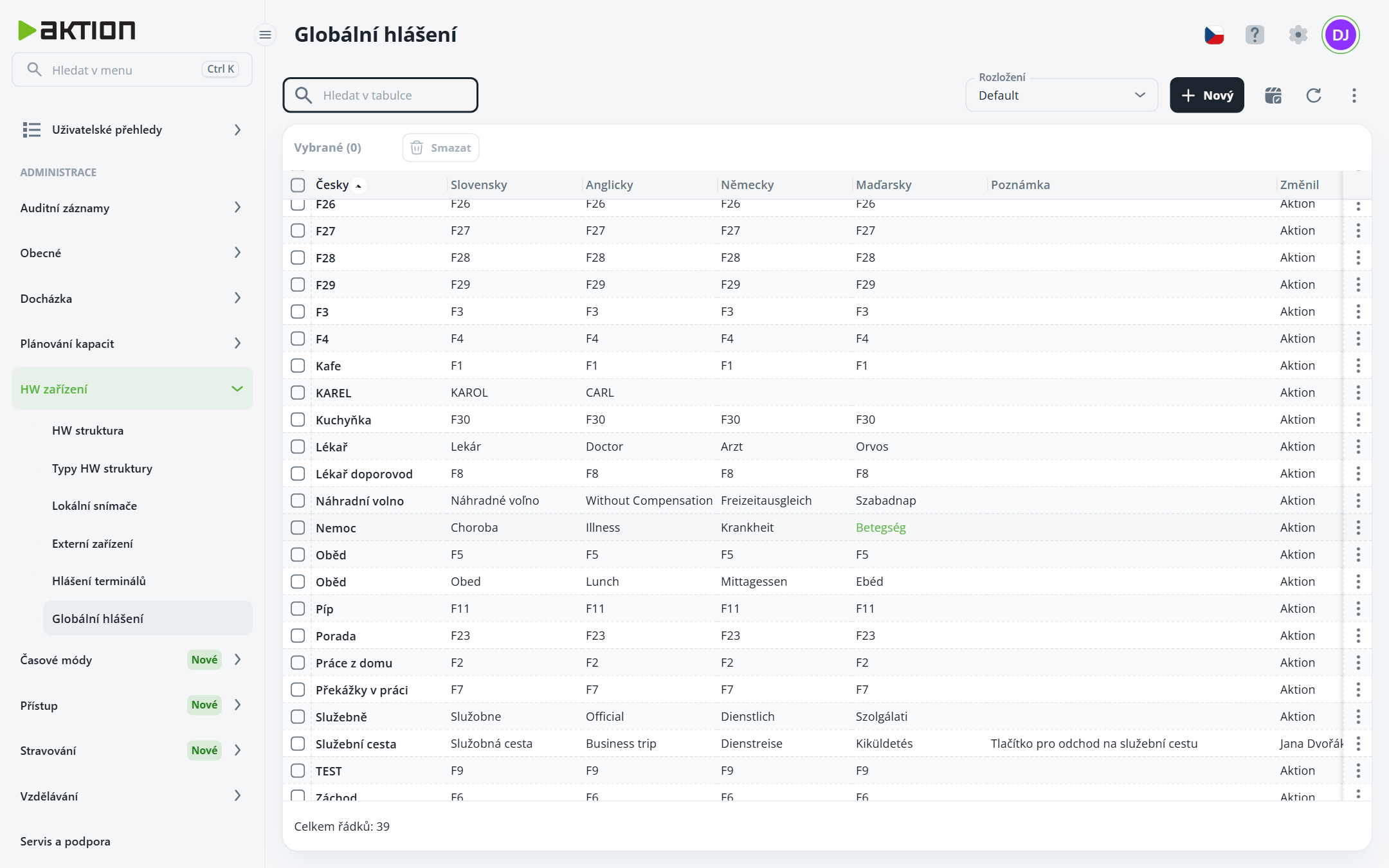
Click New.
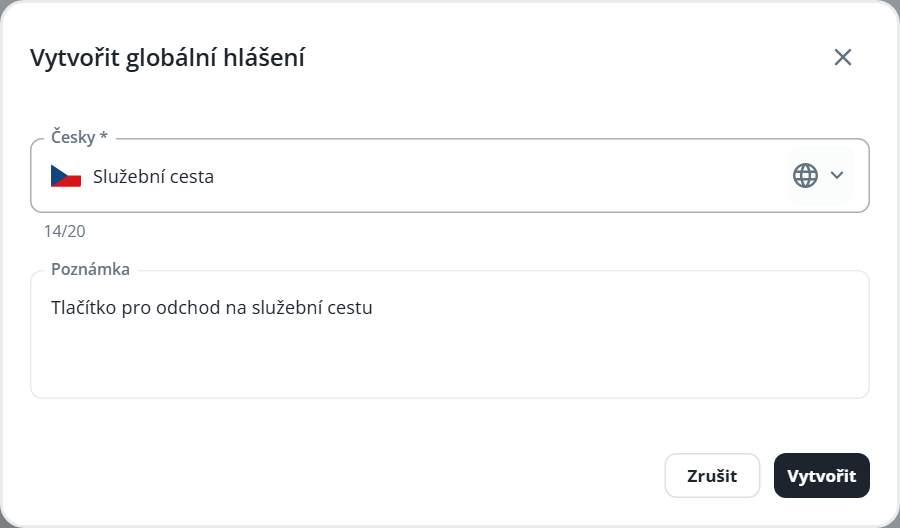
Fill in the Czech text – it is required and lets you identify the notification in the list. Each text can contain up to 20 characters; the character count is shown below the field.
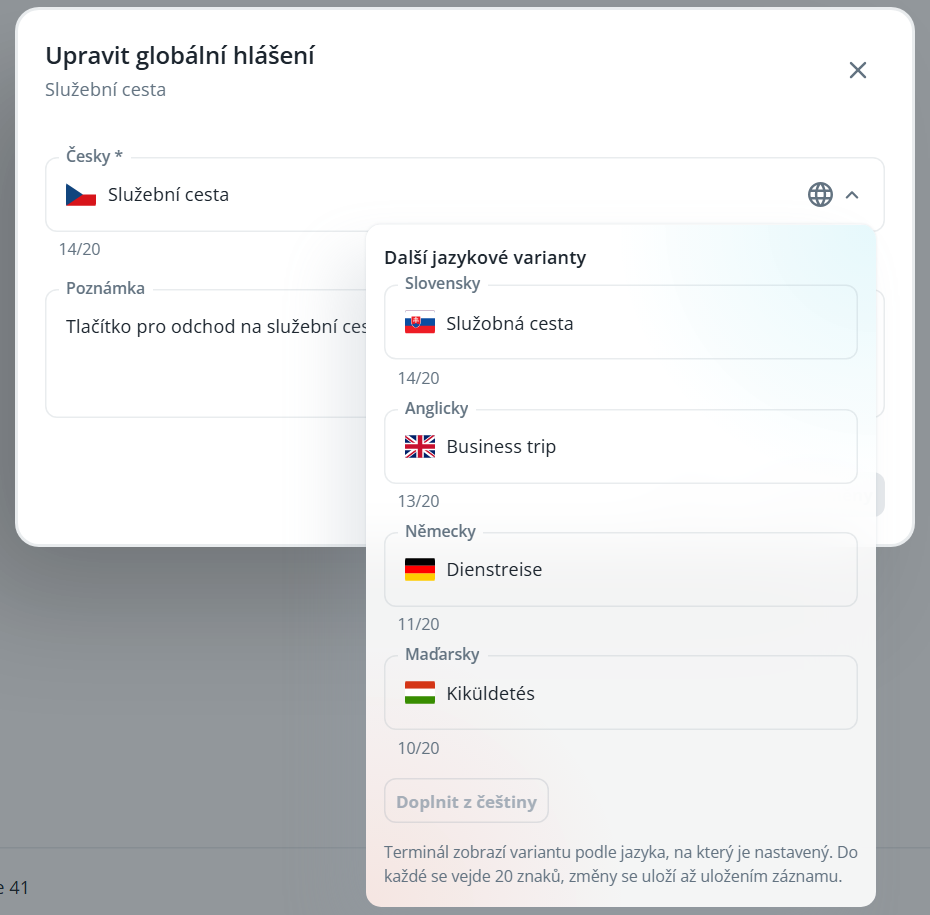
Click the globe icon in the field to open Additional language variants and fill in the Slovak, English, German, and Hungarian text. The Fill in from Czech button fills empty variants with the Czech text.
Click Create.
A message used on a terminal button cannot be deleted—the application will display an error.

