
Run the installation file on the server where the eNEXT web application is to be installed eNEXT (it does not have to be installed on the same server as the application and communication service).
Proceed according to the manual until you reach this step.
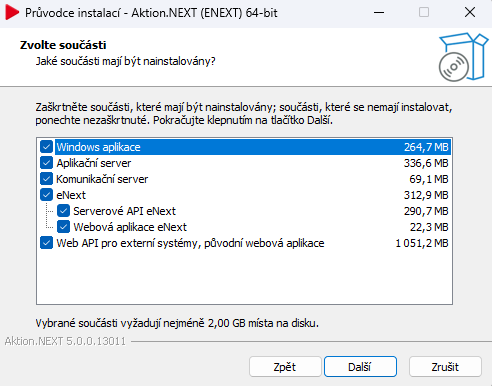
For the installation, it is necessary to have an activated license for the eNEXT web application, which is available from version 5.0.
If the license is not yet active, it is necessary to contact the sales department, which will arrange an extension of the existing license for you.
Set the URL address for eNEXT through which the web application will be accessible.
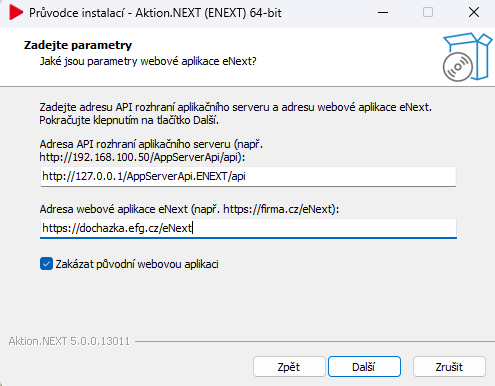
The option “Disable the original web application” ensures that when attempting to open the original web interface, an automatic redirect to the new system will occur.
However, this option does not block other services, so for example the original API remains functional.
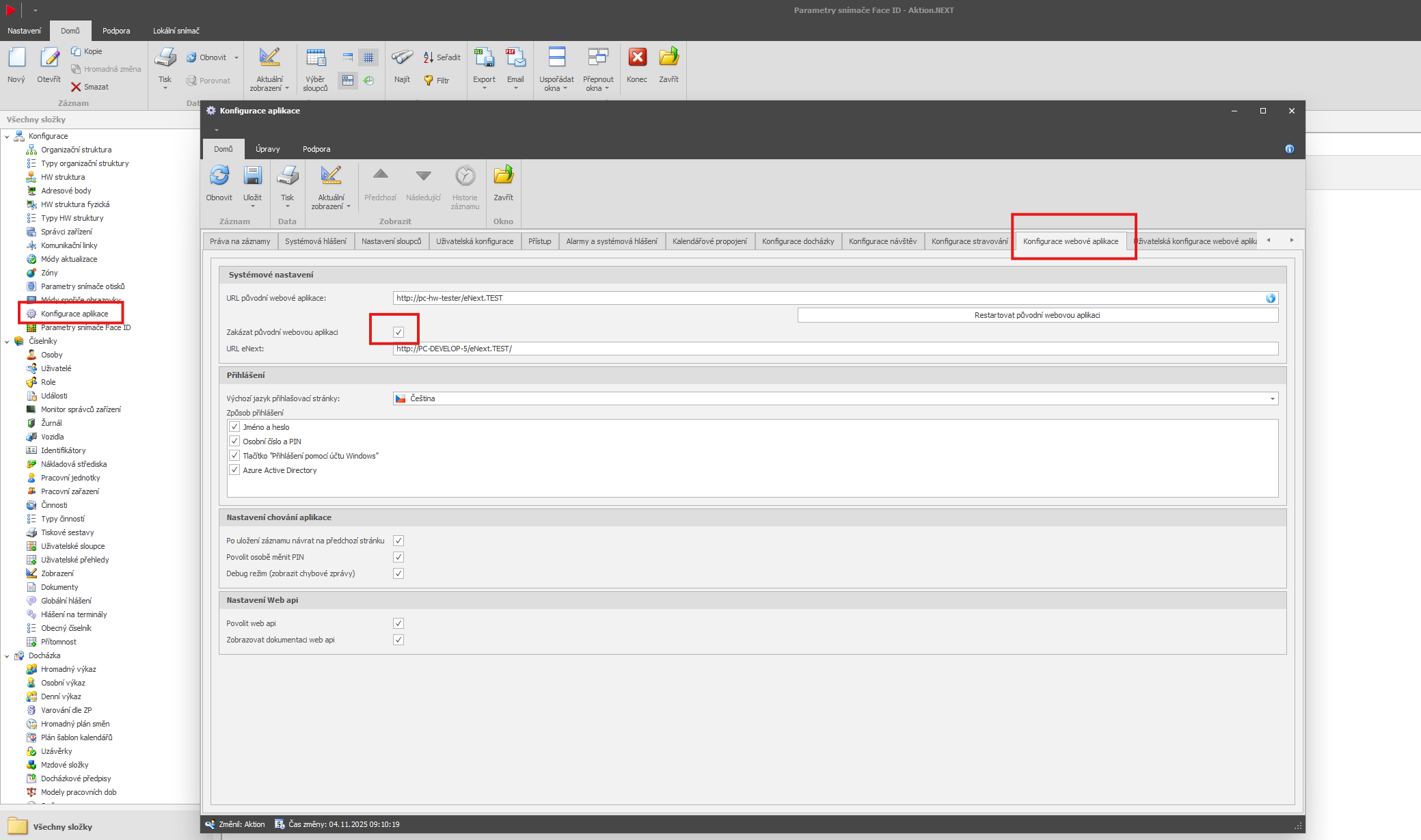
You can later deactivate the original web application also in Aktion.NEXT in the configuration agenda → application configuration → web application configuration. This setting will also change the links in e-mails sent for visit requests and approvals.
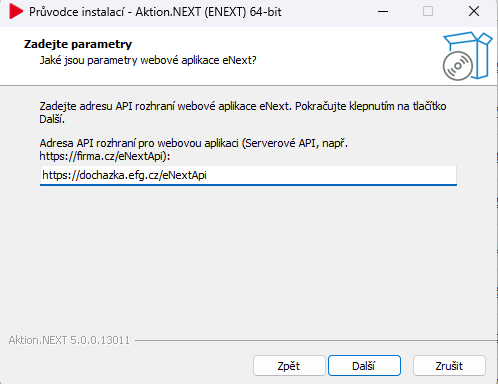
Select the URL address for the eNEXT API. The eNext server API and the eNext Web Application are usually installed on the same server.
Install the application.