What work units are used for – superior–subordinate relationship, application of permissions to persons and records, and use in attendance or meal processing.
How to correctly set work units and their validity – assigning managers and members, the meaning of validity from/to, and the impact on the visibility of subordinates in reports.
How to use work units for difficult working environments – separate units for calculating supplements, setting payroll items of the type Difficult working environment and their link to work models.
They have three basic uses:
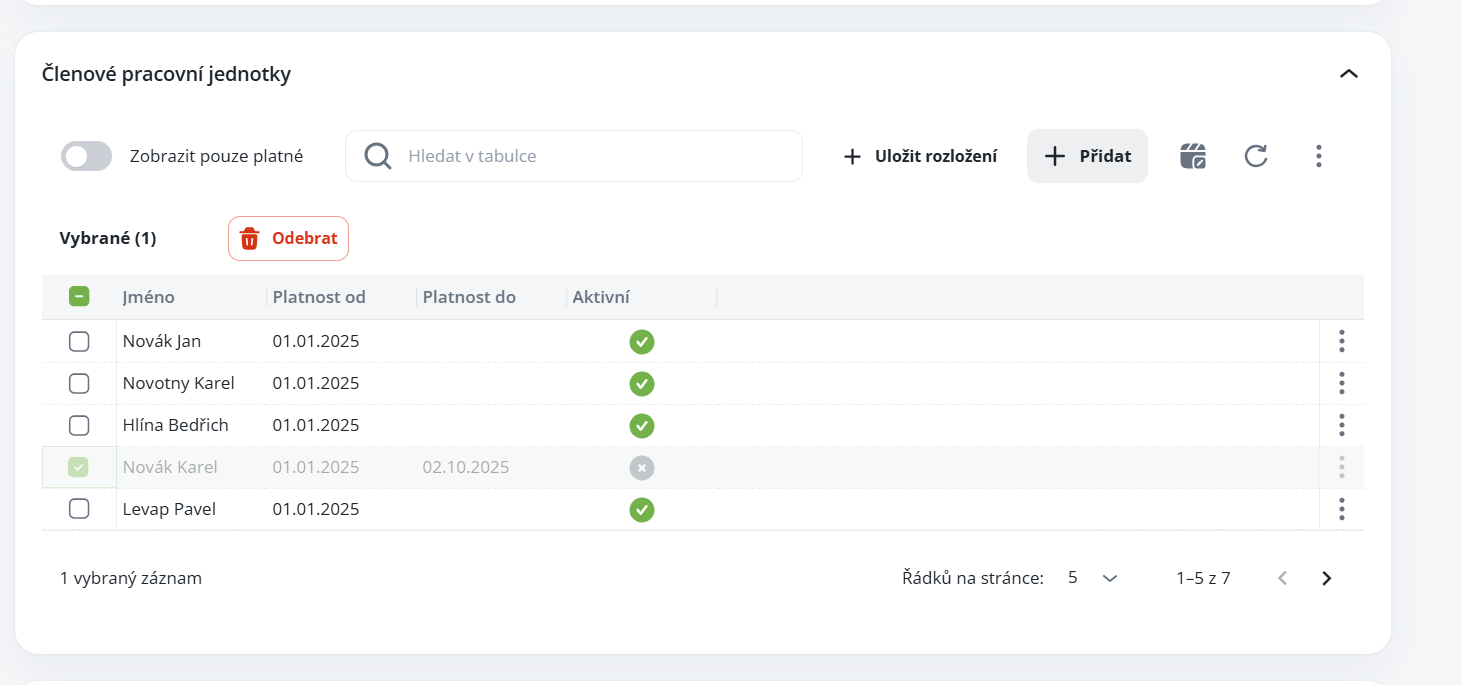
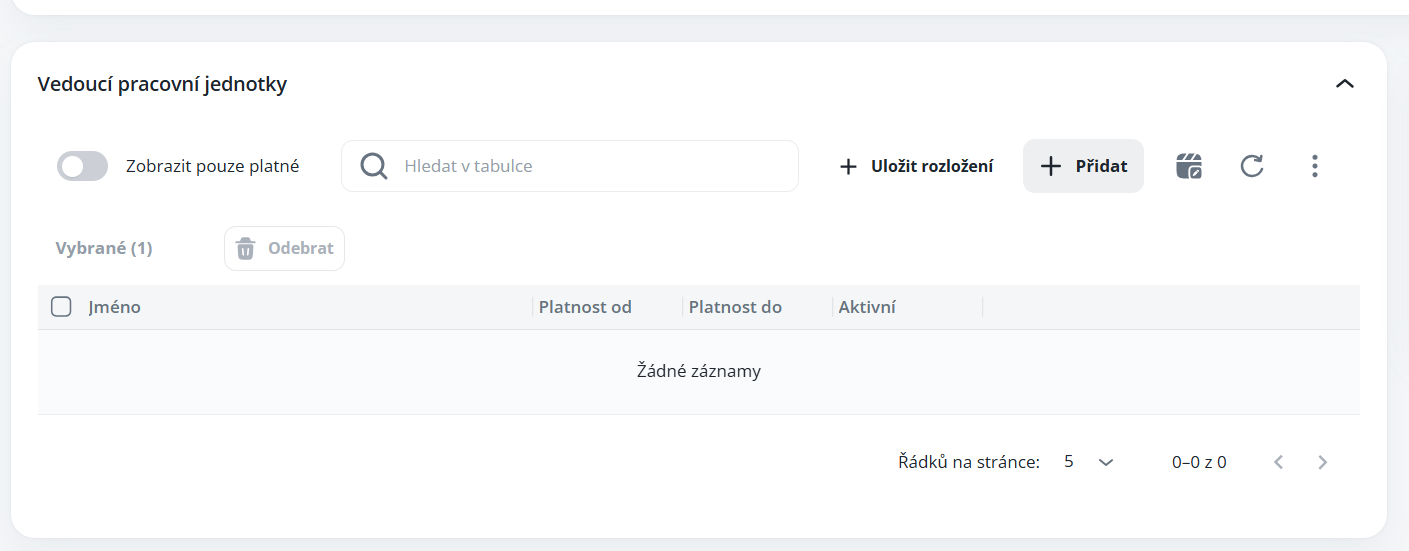
Inclusion of persons as members and assignment of managers from the perspective of corporate hierarchy in the superior – subordinate relationship.
Application of permissions to records and persons, and subsequent use by users who, for example, process attendance/meals for their subordinates.
For calculating the supplement for difficult working environments.
Persons can be assigned to work units in the detail of the agenda Persons, on the Additional data tab. As a rule, work units are named according to the surnames of the managers.
If Valid from/to is set for members, then for users with rights to Subordinates, the rights for the manager apply only during this set validity period. For example, if the manager has the right set to display the attendance of subordinates, in the reports they will see the members only during this validity period. The same applies conversely in cases where the validity is set for the manager of the work unit and if the date is after the Valid to date, they will no longer see the subordinates in the reports.
For this reason, it is recommended to set the validity of the manager in the original work unit at least until the execution of the closures e.g. until the 15th day of the following month.
Work units – in the superior–subordinate relationship
The Add/Remove button can be used to modify the heads of the working unit. Alternatively, you can filter only valid members.
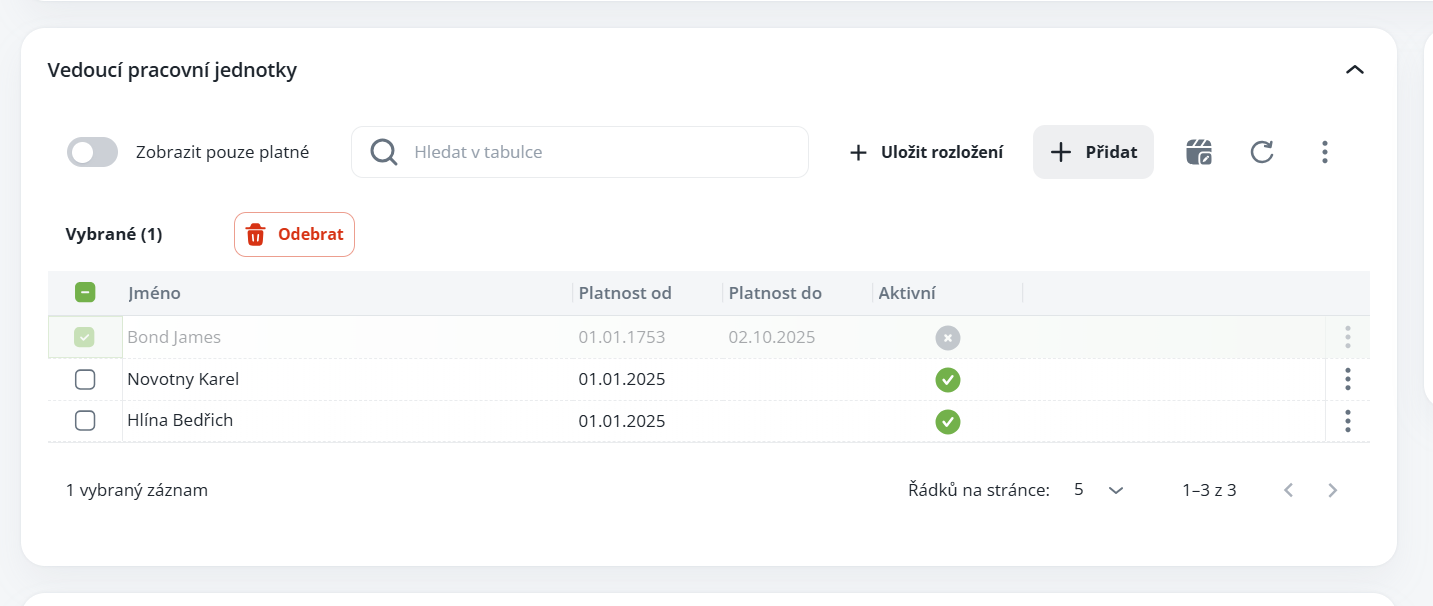
The Add/Remove button can be used to modify the members of the working unit + filtering of valid members only.
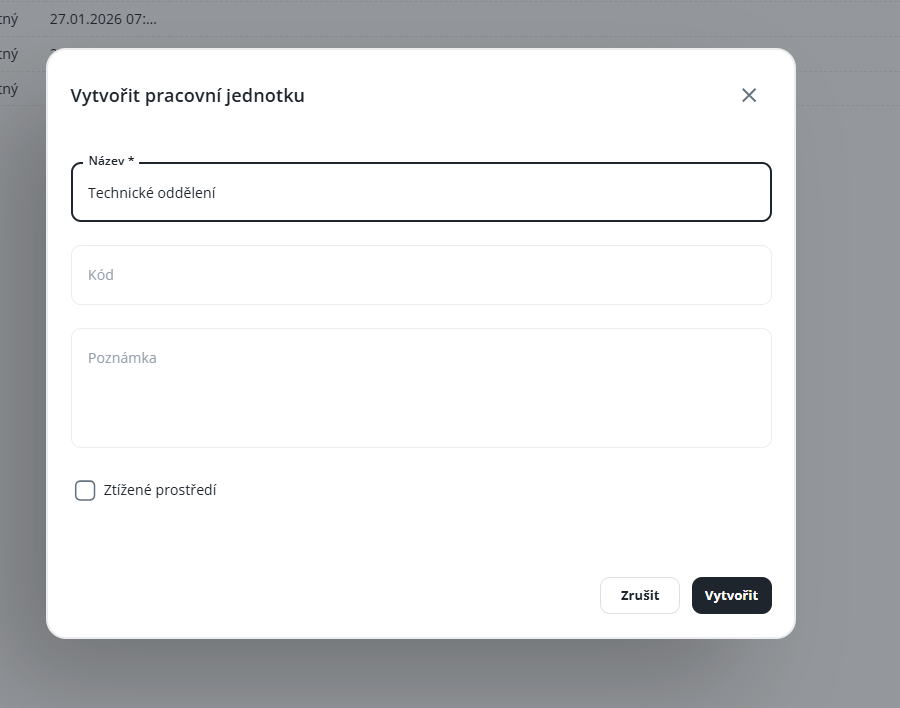
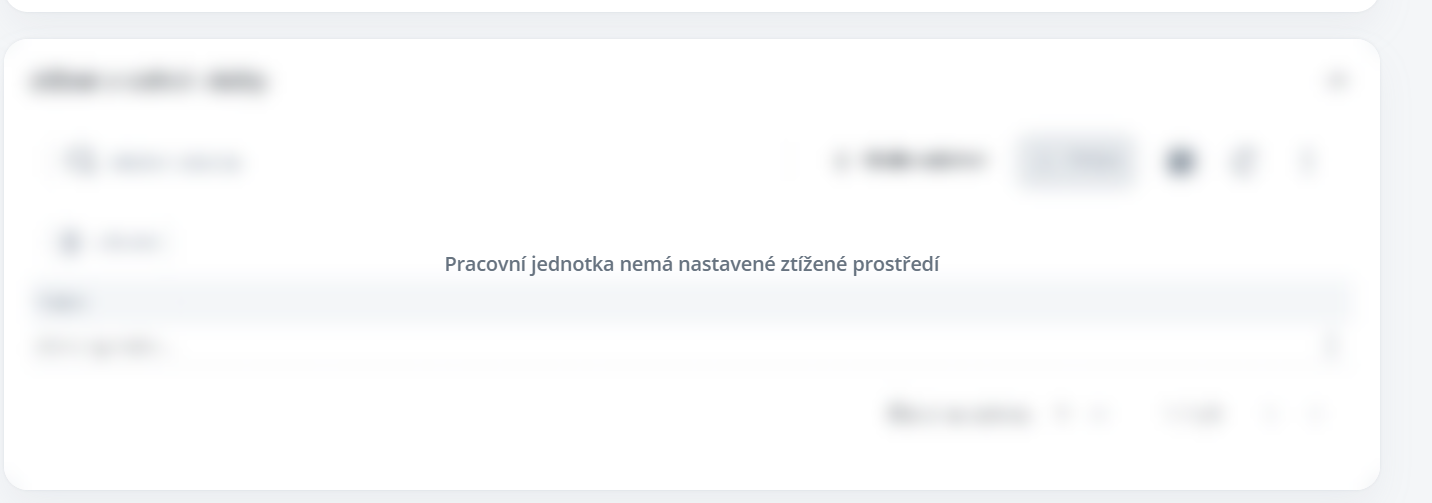
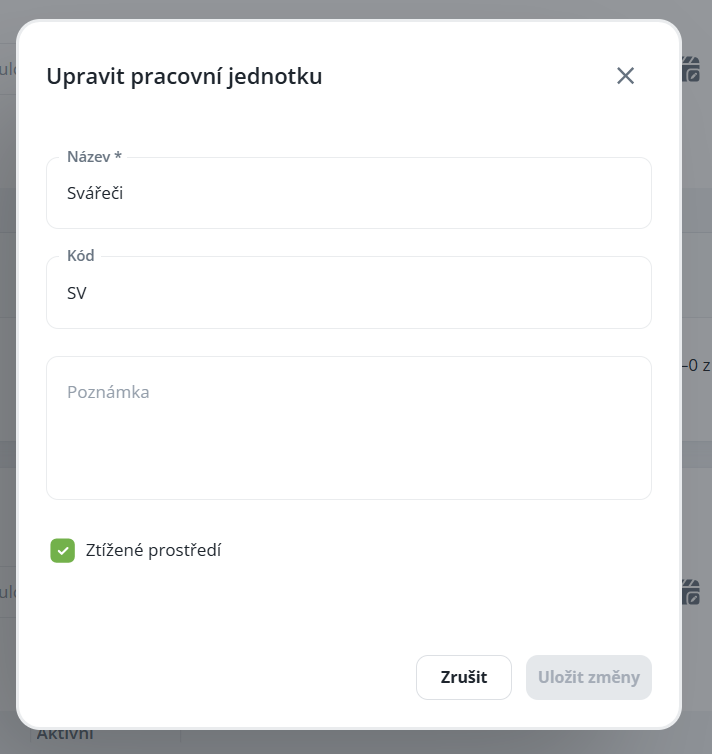
This is used for calculating additional payroll components. It is not recommended to add it to standard working units, because this function hides the calendars of subordinates and colleagues. The adverse environment option is intended primarily for calculating bonuses for work under difficult conditions, therefore it is recommended to create a new working unit designated for this purpose.
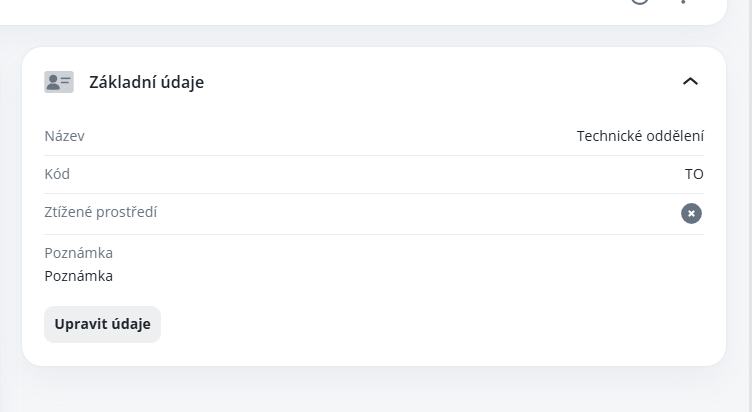
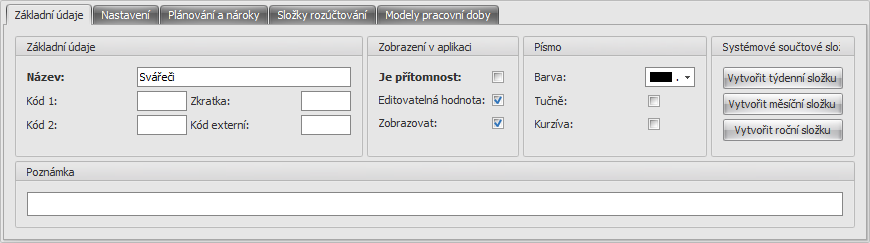
To make the selection available, it is necessary to enable the relevant checkbox in the basic data.
Not to be filled in.
It is necessary to select here all persons for whom the given allowance is to be calculated.
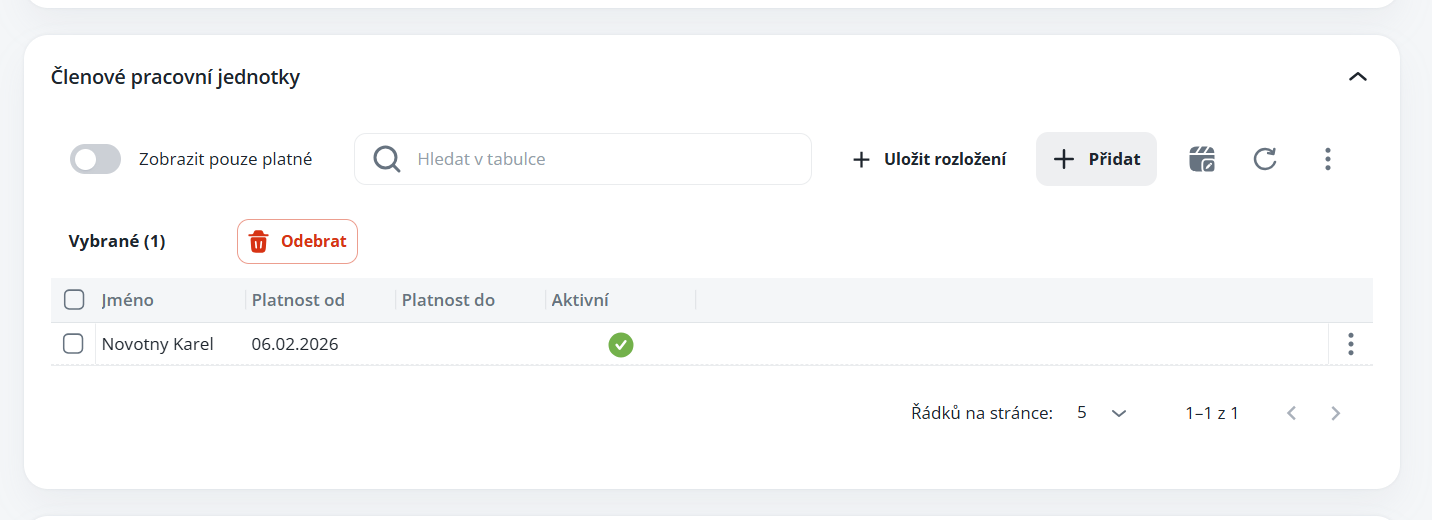
Can only be used for payroll components of the type Adverse environment. You must first create it in the Payroll components agenda, see below; for the time being it is necessary to use the Aktion.NEXT software for the configuration.
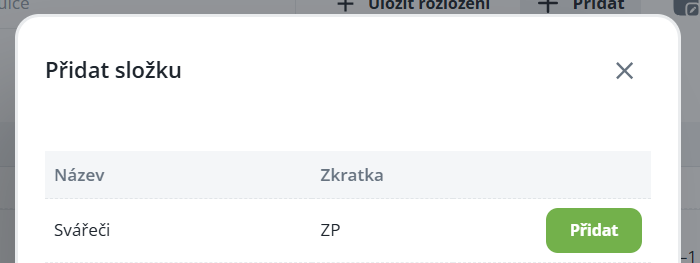
To configure the payroll item, it is necessary to use the Aktion.NEXT software; after configuration, it will already appear in the selection in Aktion.eNEXT.
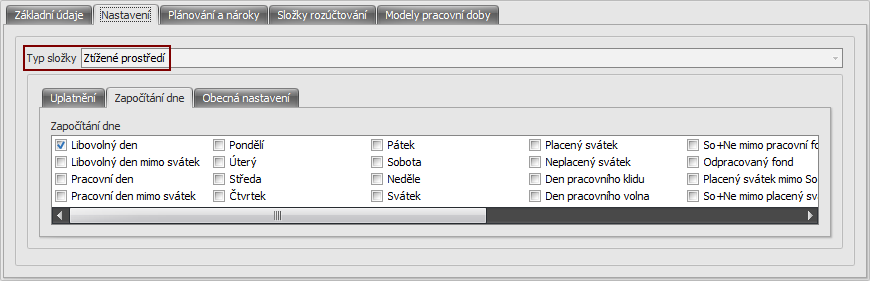
Here it is necessary to select the Item type Difficult working environment and on the sub-tab Inclusion of day select on which days it should be counted.
Using the Add button, select the Working models for which the surcharge is to be calculated. It is possible to select all of them, because it will only be calculated for those persons who are members of the given Working unit.

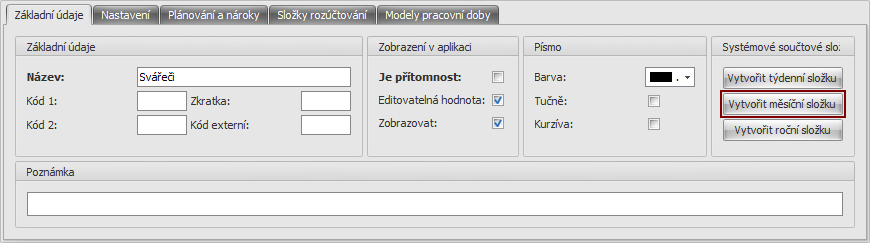
After saving the payroll item, it is still necessary to create a monthly summary by pressing the Create monthly item button and then simply save the record.