
What you will learn in the manual
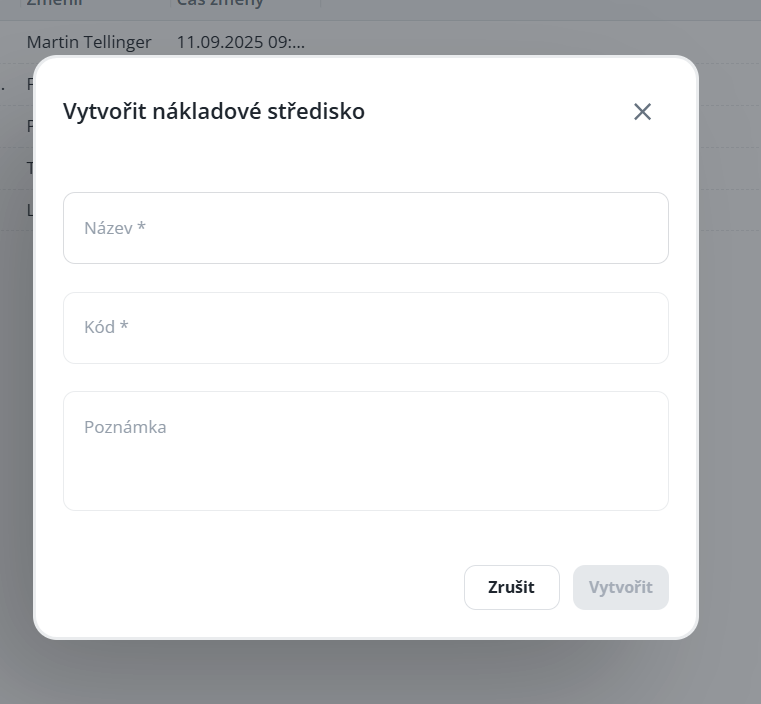
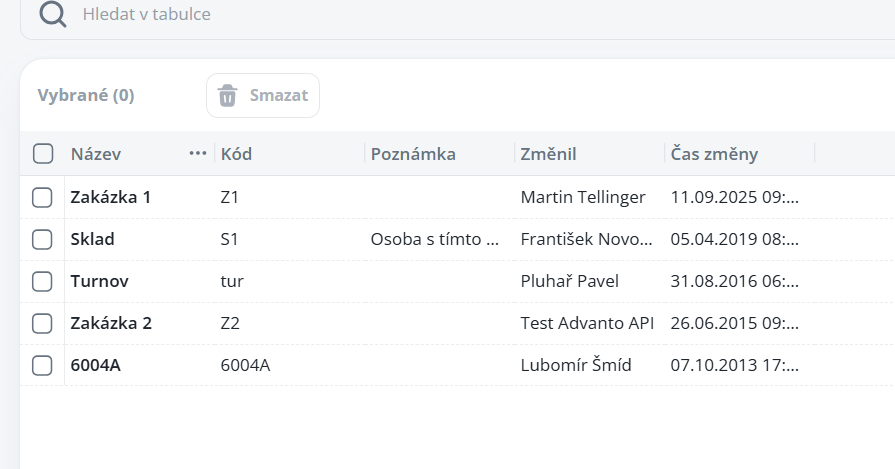
How to define and use cost centers – their assignment to persons and use in the capacity plan, projects, and subsequent allocation in the attendance records.
Configuration
Used for defining the company’s cost centers.
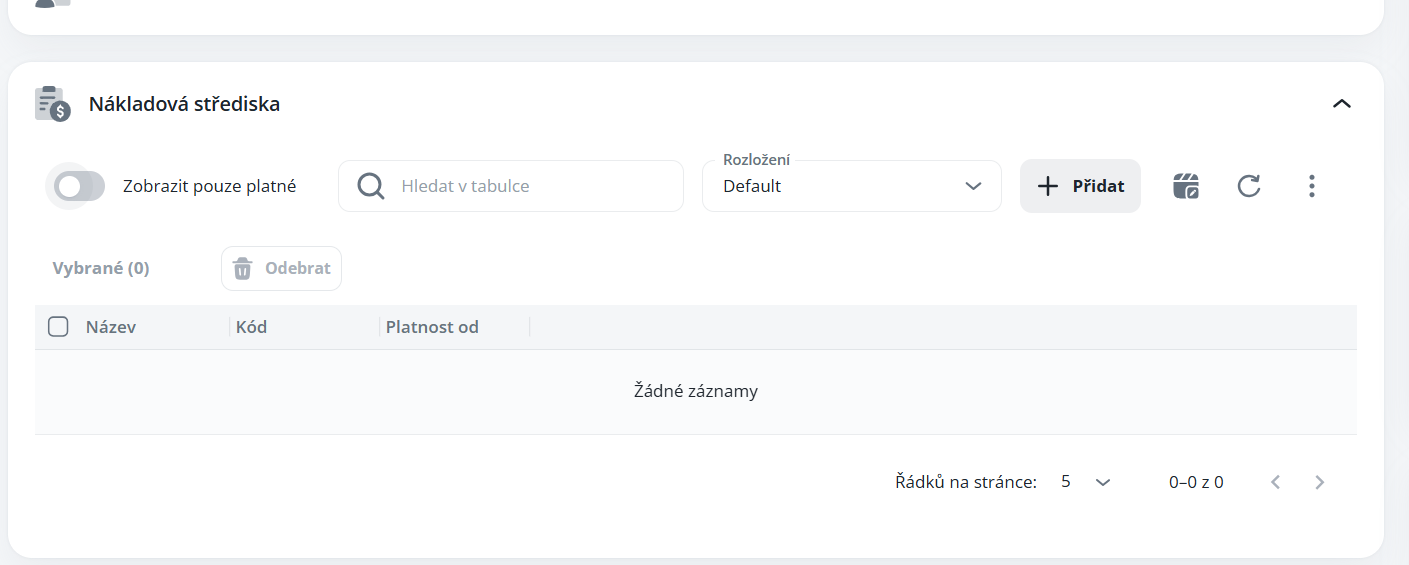
To assign a person, use the “Set” button in the upper panel of the person’s detail, or the dedicated section on the Basic Data tab.

Use
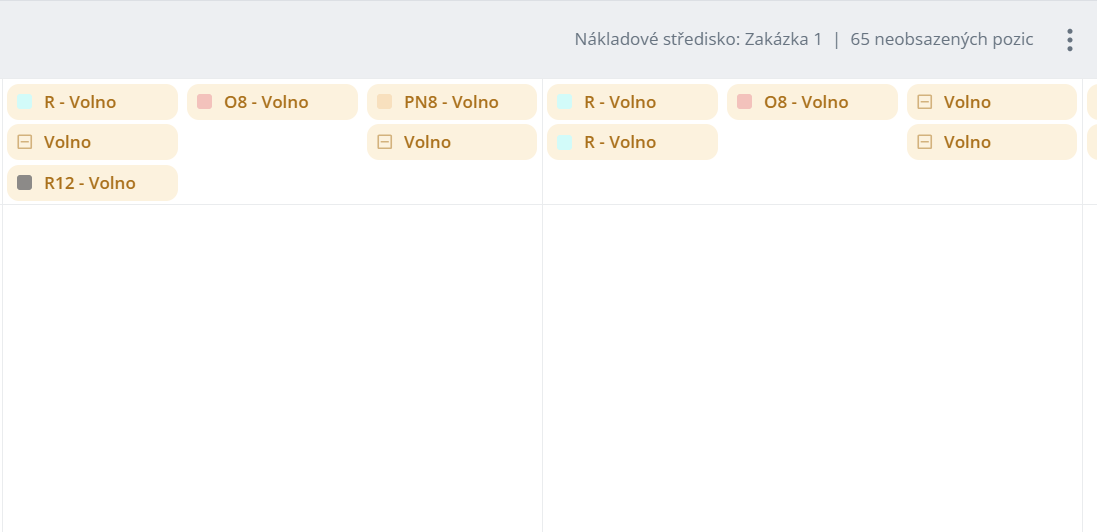
Capacity plan - capacity planning for a structure with a given center
Workplace structure
This manual provides users with a comprehensive overview of working with the structure of job positions and capacity planning. It will teach you how to create a new structure and positions, configure them correctly, assign shifts and define their order. It also includes a procedure for creating calendar templates, including setting the application of the day, shifts and the number of workers to be assigned, so that the capacity plan generates correct data according to your definitions. The manual is designed to be easy to understand, to guide users through the processes step by step, and to enable efficient planning of workforce capacity.
Projects - adding performance to persons with a given center, subsequently usable also for allocation in personal attendance
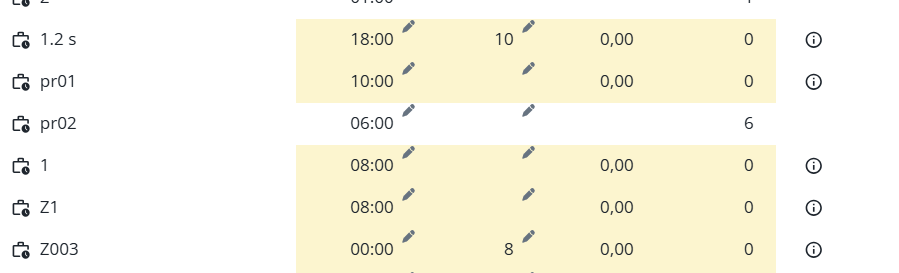
Overview of projects
The manual describes working with the performance and projects module, which makes it possible to enter and manage the reported work of individual persons, monitor the progress of projects and their items, and check the percentage of plan completion. The tabs Projects, By person and All performance provide overviews, time views and supplementary information in the side panel, which enables the user to navigate quickly and manage the reported work efficiently.