• How to browse the directory of implementation forms.
• How to create, edit, and delete an implementation form.
This manual is intended for administrators and human resources specialists who manage training directories.
This manual serves as a guide to the Implementation Forms agenda – a directory of methods by which training can be conducted (for example, in-person, online, e-learning, or self-study). Values from this directory are selected in the training form.
You will find the agenda in the left menu under the Training group (Administration) under the item Implementation Forms.
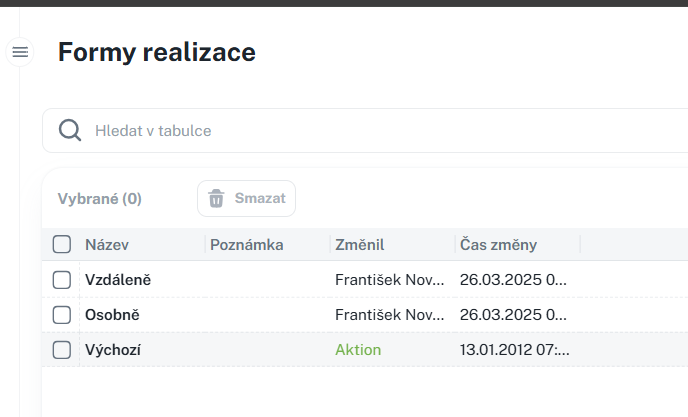
You can create a new form using the New Implementation Form button. The form contains:
• Name – name of the implementation form.
• Note – multi-line text.
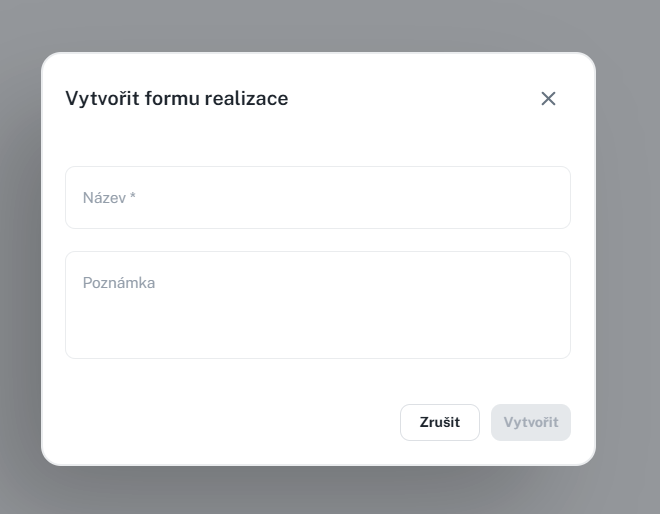
• New implementation form
• Edit – also by clicking on the name.
• Delete – individually or in bulk, with confirmation.
• Print / Export – according to permissions.
Training
This manual describes the operation of the Training agenda, which serves as a catalog of training programs. You will learn how to create, edit, and manage training courses, configure their parameters, registration and notifications, assign qualification requirements, and work with training overviews and details. The manual is intended for administrators who manage the training catalog in the system.
