• How to browse the focus directory.
• How to create, edit, and delete a focus.
This manual is intended for administrators and human resources specialists who manage education directories.
This manual serves as a guide to the Focus agenda – a directory of training categories (focuses) such as occupational health and safety, fire protection, or specialized training. Values from this directory are selected in the training form.
You will find the agenda in the left menu under the Education group (Administration) under the item Focus.
Note: In technical documentation and in some parts of the system, this agenda may also appear under its original name "Training Type"; in menus and titles it is displayed as Focus.
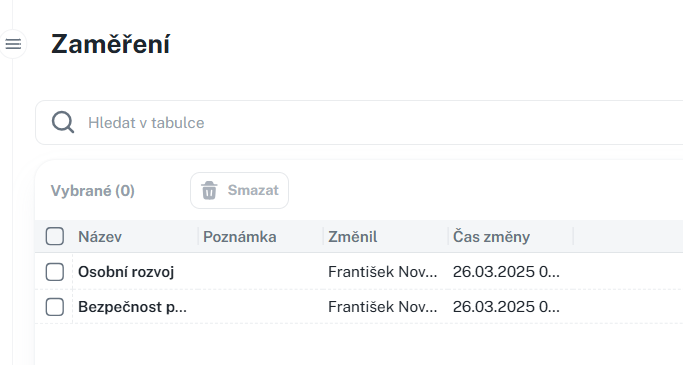
Create a new focus area using the New button. The form contains:
• Name – the name of the focus area.
• Note – multi-line text.
• New focus area
• Edit – also by clicking on the name.
• Delete – individually or in bulk, with confirmation.
• Print / Export – according to permissions.
Training Overview
This manual describes how to work with the Training Overview agenda and its tabs Person Overview and Dates. It introduces the overview of training validity, filtering records, assigning training to individuals, managing dates, registering participants, and recording results of completed training. It also includes information about permissions for individual actions and recommended procedures for efficient training management in the system.
